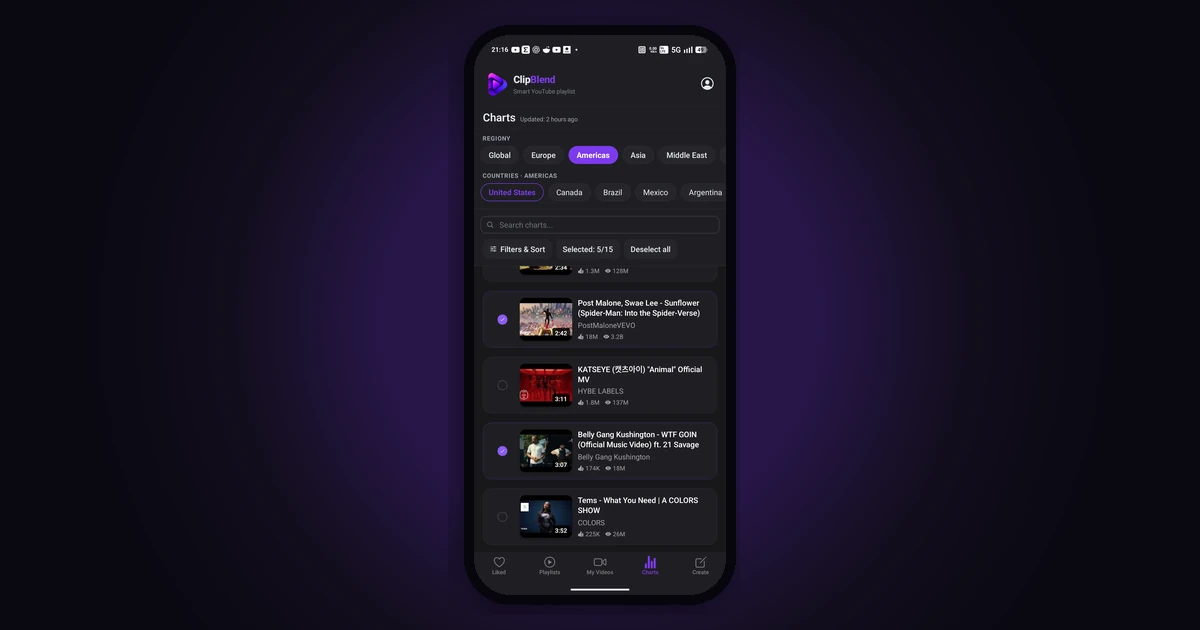
Looking for popular songs, artists, and trending music videos? YouTube Music Charts make it easier to explore music rankings and discover what people are watching in different countries and regions.
You can browse official rankings on the YouTube Charts website and explore popular music videos. If you want to collect several videos for your next listening session, ClipBlend for Android lets you select videos from supported regional charts and combine them into a temporary playlist.
In this guide, you'll learn how YouTube Music Charts work, how to explore charts by country, and how to create a temporary playlist from popular music videos with ClipBlend.
What Are YouTube Music Charts?
YouTube Music Charts are rankings that help you discover popular music on YouTube. Depending on the chart, rankings can focus on songs, artists, official music videos, or other music-related categories.
You can explore charts for different countries and regions, as well as global rankings where available. This makes it possible to compare music trends across regions and discover artists and videos that are attracting attention.
Different charts measure different things. For example, a song chart can account for eligible versions of a song, while a music video chart focuses on music videos. The rankings and available categories depend on the chart you choose.
To get started, visit the official website:
How to Explore YouTube Charts by Country
YouTube Charts are useful when you want to discover popular music in a particular country or compare regional music trends.
Follow these steps:
- Open YouTube Charts. Visit charts.youtube.com.
- Browse the available charts. Explore the music categories and rankings offered on the website.
- Choose a country or region, if available. Regional options can vary depending on the chart you're viewing.
- Explore the rankings. Browse popular songs, artists, or music videos to find something new.
- Open a video you like. You can watch it directly on YouTube and explore related music.
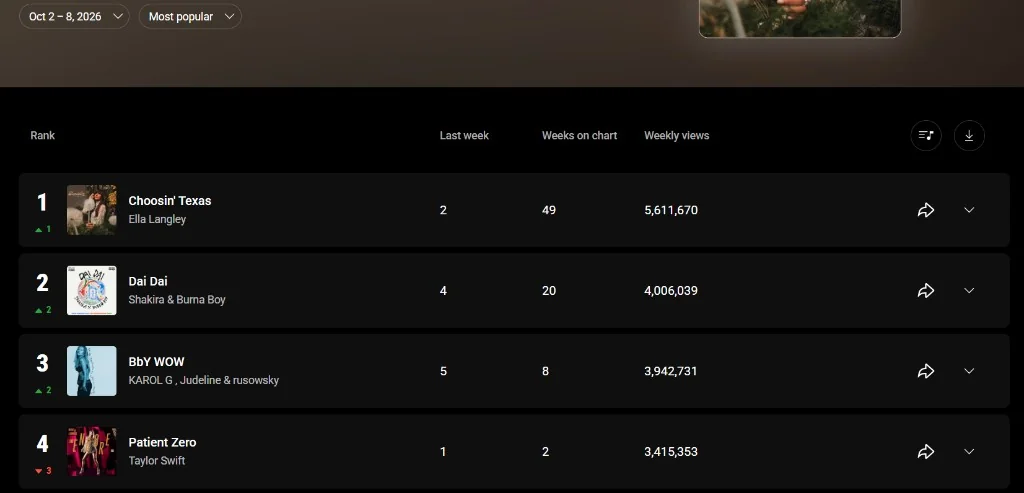
You can start with a national chart, such as the United States chart, and compare it with a global ranking when available. This is one way to discover music that is popular internationally as well as music that is attracting attention in a specific region.
Here's an example of a regional ranking on the official YouTube Charts website:
How to Create a Playlist from YouTube Charts with ClipBlend
Finding popular music videos is one thing. Collecting several of them into a playlist for your next listening session can take additional steps if you add each video individually.
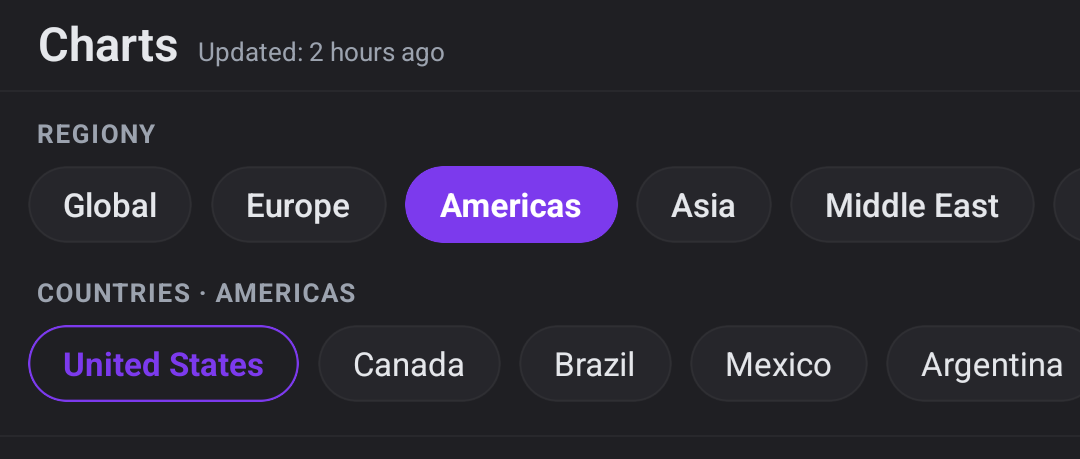
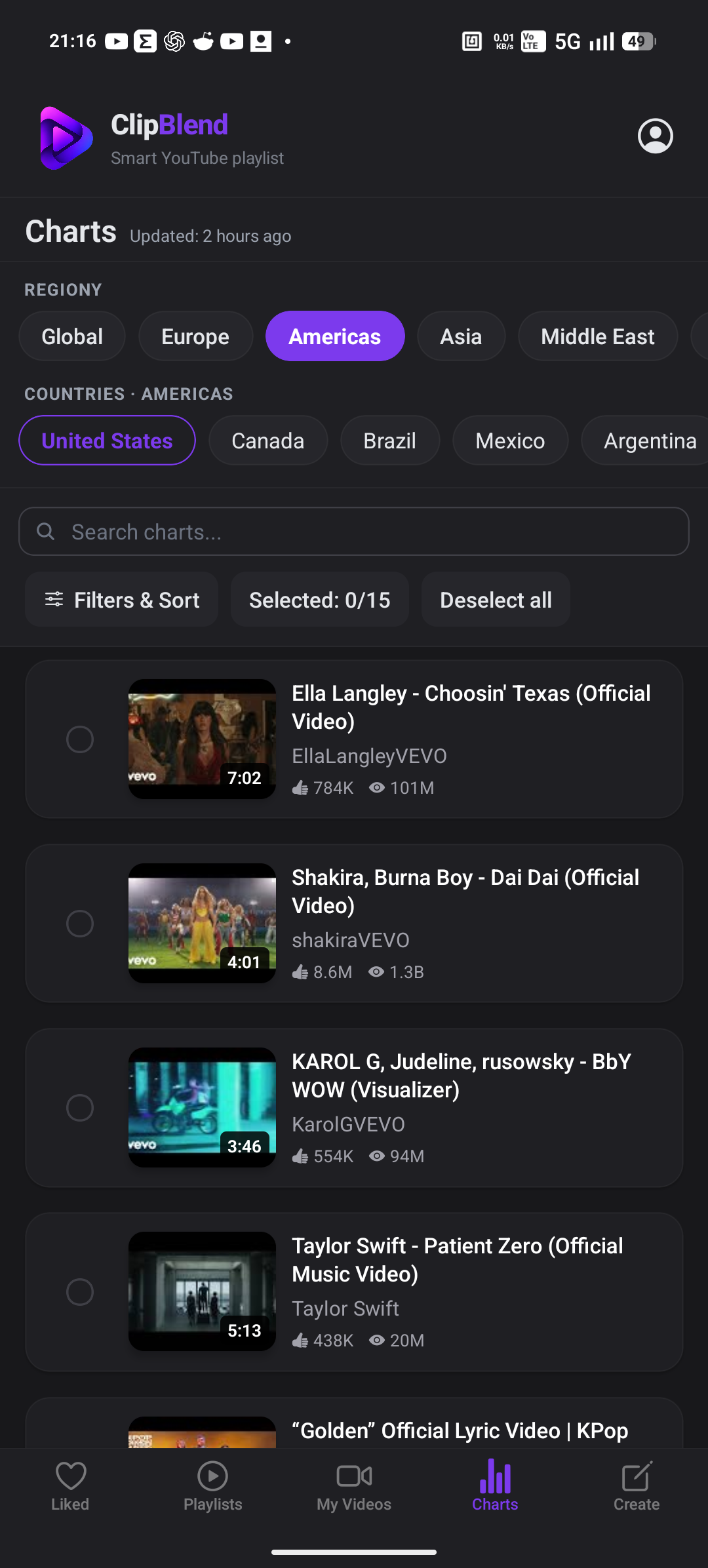
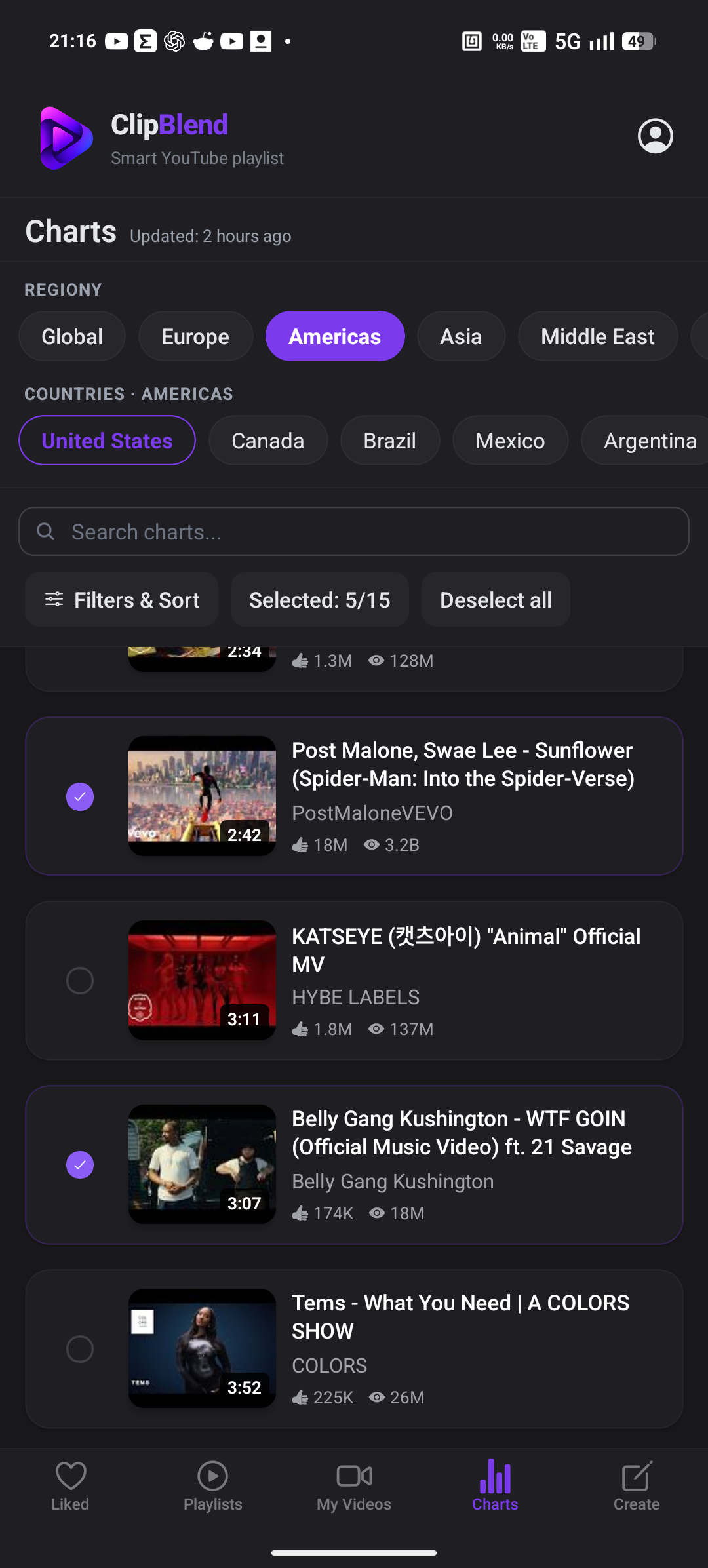
ClipBlend for Android provides another way to organize your selection. Its Charts tab displays popular music videos from supported regional chart playlists. You can select videos from the available collection and add them to your own temporary playlist.
Here's how to do it:
- Open ClipBlend on your Android device.
- Go to the Charts tab. Browse popular music videos from the available regions.
- Choose the videos you want to watch. Select multiple videos from the displayed chart collection.
- Open the Create tab. Review the videos you've selected for your playlist.
- Play your selection. Use the temporary playlist to play the selected videos in YouTube.
The Charts tab and Create tab serve different purposes. Charts displays popular music videos from supported regional charts, while Create is where you work with your own selected videos. You can add videos discovered through Charts to your selection.
ClipBlend's chart collection is based on supported regional playlists, so it does not necessarily include every category or ranking available on the official YouTube Charts website.
How Often Is ClipBlend's Chart Data Updated?
ClipBlend refreshes its chart data approximately every six hours. This means the popular music videos displayed in the app are periodically refreshed from its supported chart playlists.
This update interval applies to the chart data shown in ClipBlend. It does not mean that every official YouTube Charts ranking is updated on the same schedule.
If you're looking for the latest official rankings or a category that isn't available in ClipBlend, visit YouTube Charts directly.
Frequently Asked Questions
What are YouTube Music Charts?
YouTube Music Charts are rankings that help you explore popular music on YouTube. Depending on the chart, you can discover popular songs, artists, or music videos in particular countries and regions or globally.
How can I find YouTube charts by country?
Visit charts.youtube.com and browse the available charts. Select a country or region when that option is available for the chart you're viewing.
Are YouTube music charts the same in every country?
No. Rankings can differ between countries and regions because music popularity varies by location. The charts and categories available also depend on the region and chart type.
What is the difference between YouTube Charts and ClipBlend Charts?
The official YouTube Charts website provides music rankings and related insights. ClipBlend's Charts tab displays popular music videos from a collection of supported regional chart playlists, allowing you to select videos for your own temporary playlist.
ClipBlend does not display every category available on the official YouTube Charts website.
Can I create a playlist from YouTube Charts videos?
Yes. With ClipBlend for Android, you can select videos from supported regional charts and combine them into a temporary playlist. You can then play your selection in YouTube.
How often does ClipBlend update its charts?
ClipBlend refreshes its chart data approximately every six hours. This refers to the data displayed in ClipBlend, not the update schedule of every official YouTube Charts ranking.
Does ClipBlend save a permanent playlist to my YouTube account?
No. ClipBlend's playlist in this workflow is temporary. It helps you organize and play a selection of videos, but it does not create or save a permanent playlist to your YouTube account.
Is ClipBlend available on iPhone?
ClipBlend is currently available for Android. It is not available for iPhone.
Final Thoughts
YouTube Music Charts are a useful starting point for exploring popular music videos, discovering artists, and comparing music trends across countries and regions.
If you want to turn that discovery into a listening session, ClipBlend for Android lets you select videos from supported regional charts and combine them into a temporary playlist. Instead of treating every interesting video as a separate find, you can collect your selection in one place and play it in YouTube.
Explore the official rankings: YouTube Charts
You may also like: