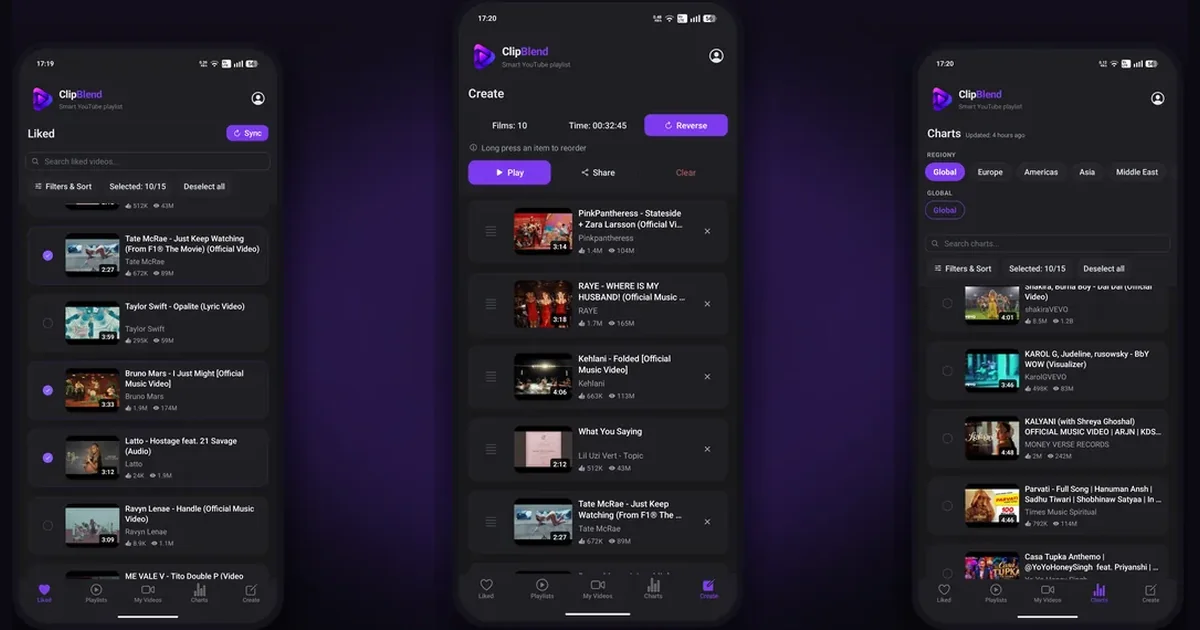
A temporary YouTube playlist is a collection of videos you want to watch for a specific purpose without keeping it as a permanent part of your library. You can use YouTube's playback queue, create a private playlist and delete it later, or use ClipBlend to select and play videos from your existing collections.
YouTube does not offer an official playlist type called a "temporary playlist." The term simply means: collect the videos you need, watch them, and move on without another permanent playlist.
When is a temporary playlist useful?
You don't need a permanent playlist for every group of videos. A temporary selection is useful when you want to:
- Prepare music for a party: Pick songs for a birthday, dinner with friends, or a road trip.
- Learn a foreign language: Collect English, Spanish, or French lessons for your next study session.
- Plan a vacation: Watch videos about attractions, restaurants, and places you want to visit.
- Follow a workout: Put together exercise videos for one training session.
- Choose something to watch: Select a few documentaries or interviews from your saved videos.
This approach keeps the focus on what you want to watch now, without adding more clutter to your library.
3 ways to create a temporary YouTube playlist
Use the YouTube playback queue
The queue works well when you already know which videos you want to watch.
On a computer:
- Open YouTube in your browser.
- Find a video and hover over its thumbnail.
- Click the three-dot menu next to or below the video.
- Select Add to queue.
- Repeat for the other videos and start playback from the queue.
On a phone or tablet:
- Open the YouTube app and find a video.
- Tap the three-dot menu next to the video.
- Look for Play next in queue or Play last in queue.
- Repeat for the other videos and open the queue to start playback.
The exact controls may vary by device and app version. See the official YouTube Help guide to using the queue.
Best for A few videos you want to watch immediately.
Create a private YouTube playlist
If you want to keep a collection for a few days, create a regular playlist, set it to private, and delete it when you no longer need it.
- Open a video on YouTube.
- Click or tap Save.
- Choose Create new playlist.
- Enter a name and set the visibility to Private.
- Add the other videos you want to watch.
- Delete the playlist when you're finished with it.
The controls may differ between the website and mobile app. For details, see YouTube Help: Create and manage playlists.
Best for A collection you want to revisit over several days.
Create temporary playlists faster with ClipBlend
The first two methods work well for small selections. When you have hundreds of liked videos or several playlists, finding just a few relevant ones takes longer.
ClipBlend is an Android app that helps you browse, organize, and select YouTube videos. Instead of adding videos to a new YouTube playlist one by one, you choose what you need from your collections and create a temporary playlist in one step.
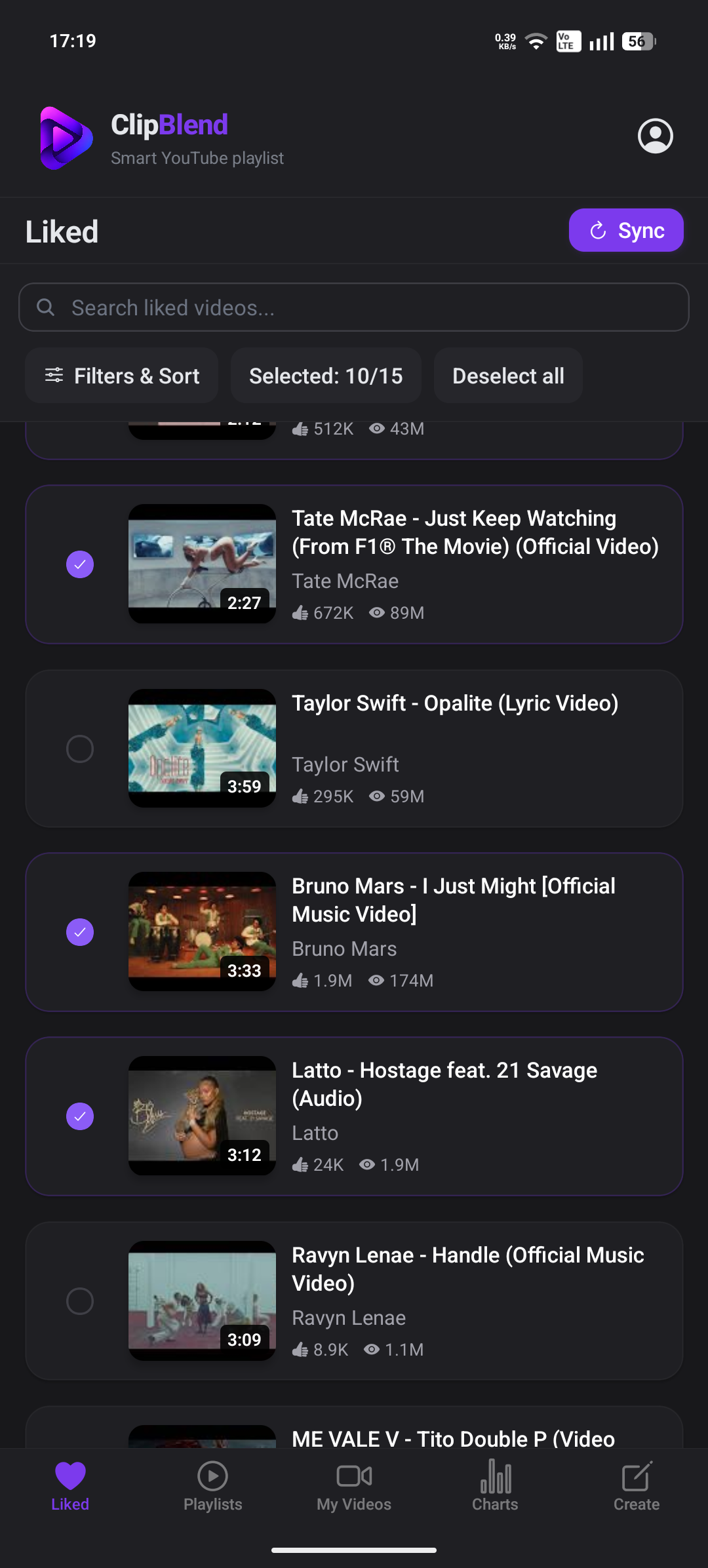
Here's how it works:
- Choose your collection: Browse your liked videos, available playlists, or your own uploaded videos.
- Search for videos: Find the content you need without scrolling through your entire collection.
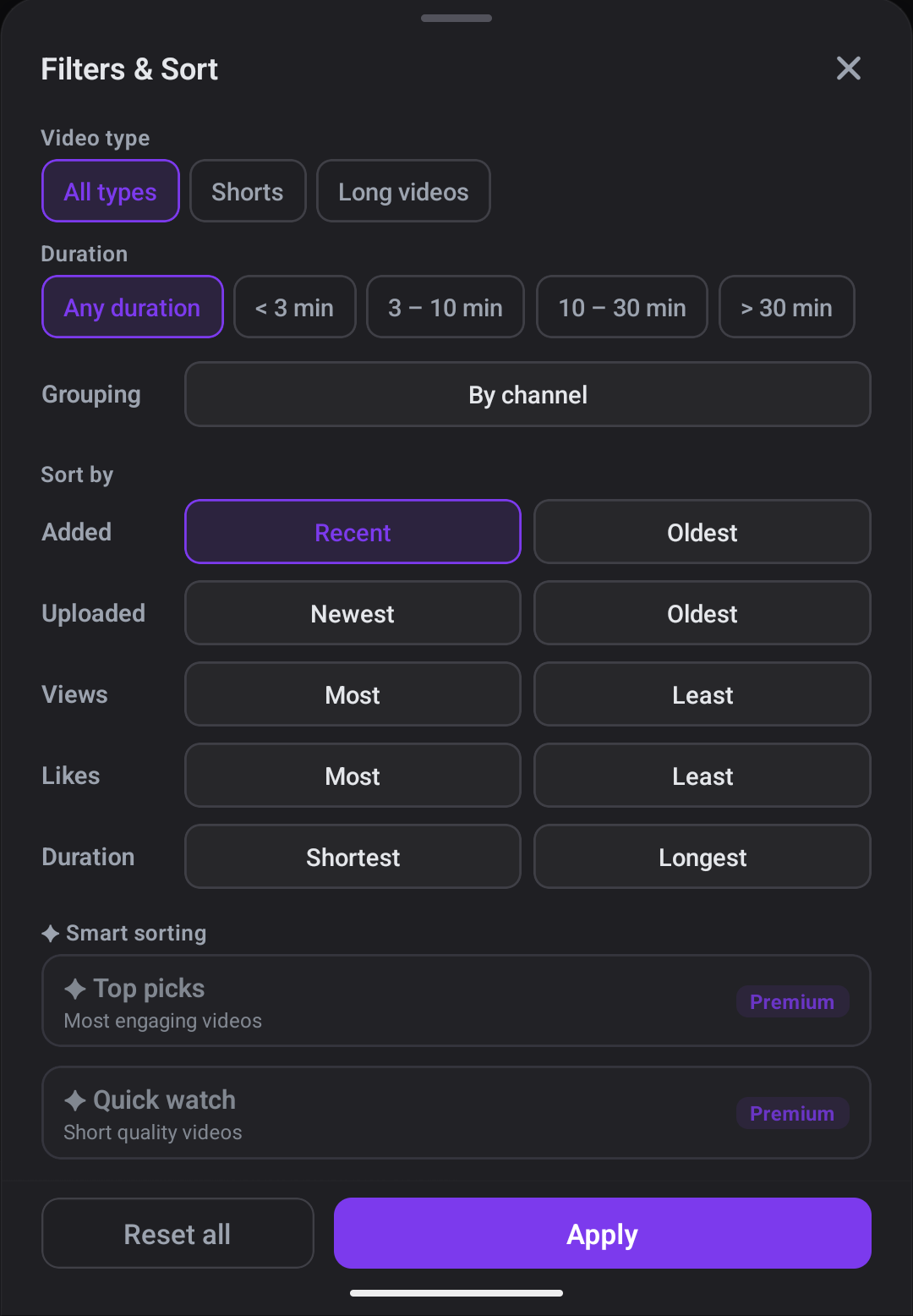
- Filter and sort: Narrow down the results before you select.
- Select your videos: Choose the videos for your current activity.
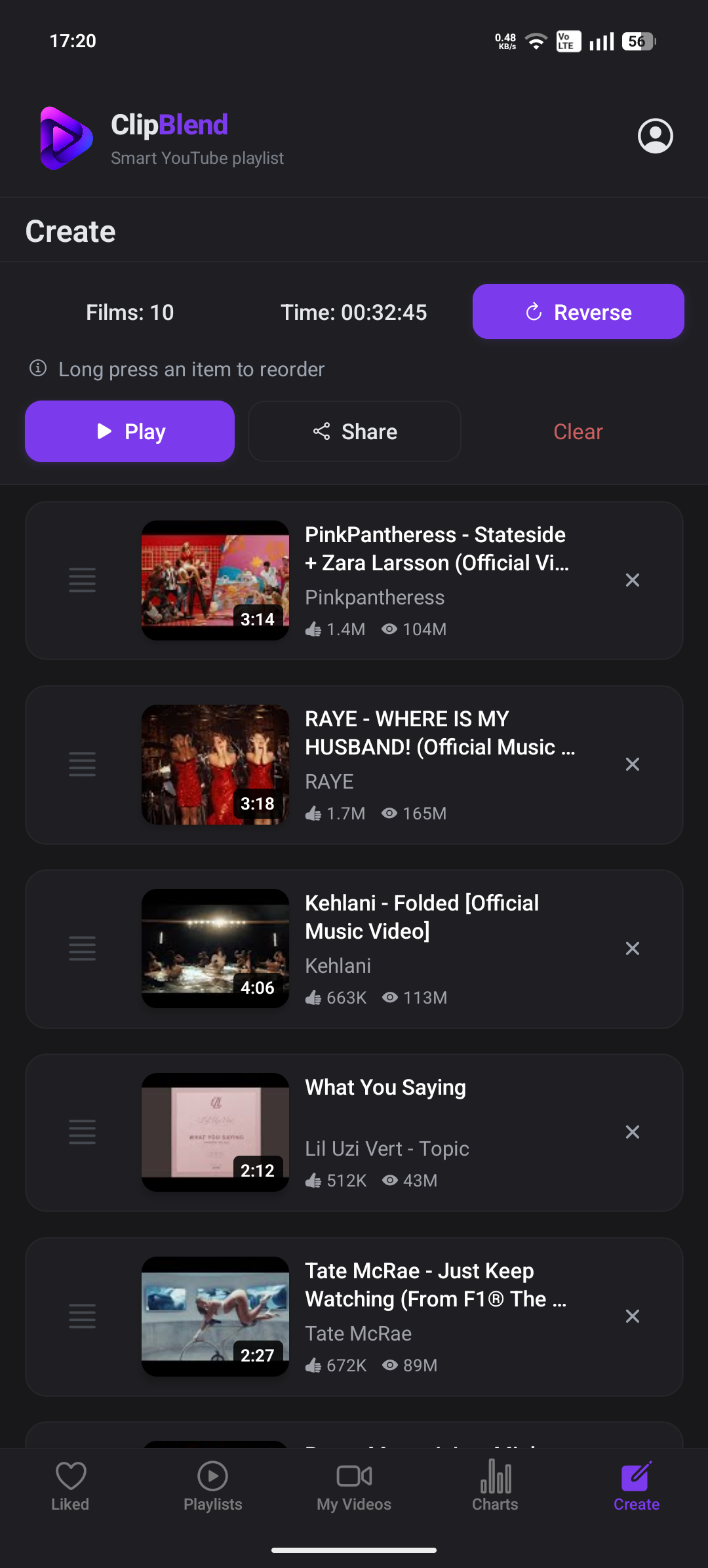
- Create and play: Create the temporary playlist, then tap Play. The selected videos open in the YouTube app.
You might use it for Spanish lessons this week, travel guides before a holiday, or a workout session. ClipBlend also lets you explore popular music by country and region when putting together a party selection.
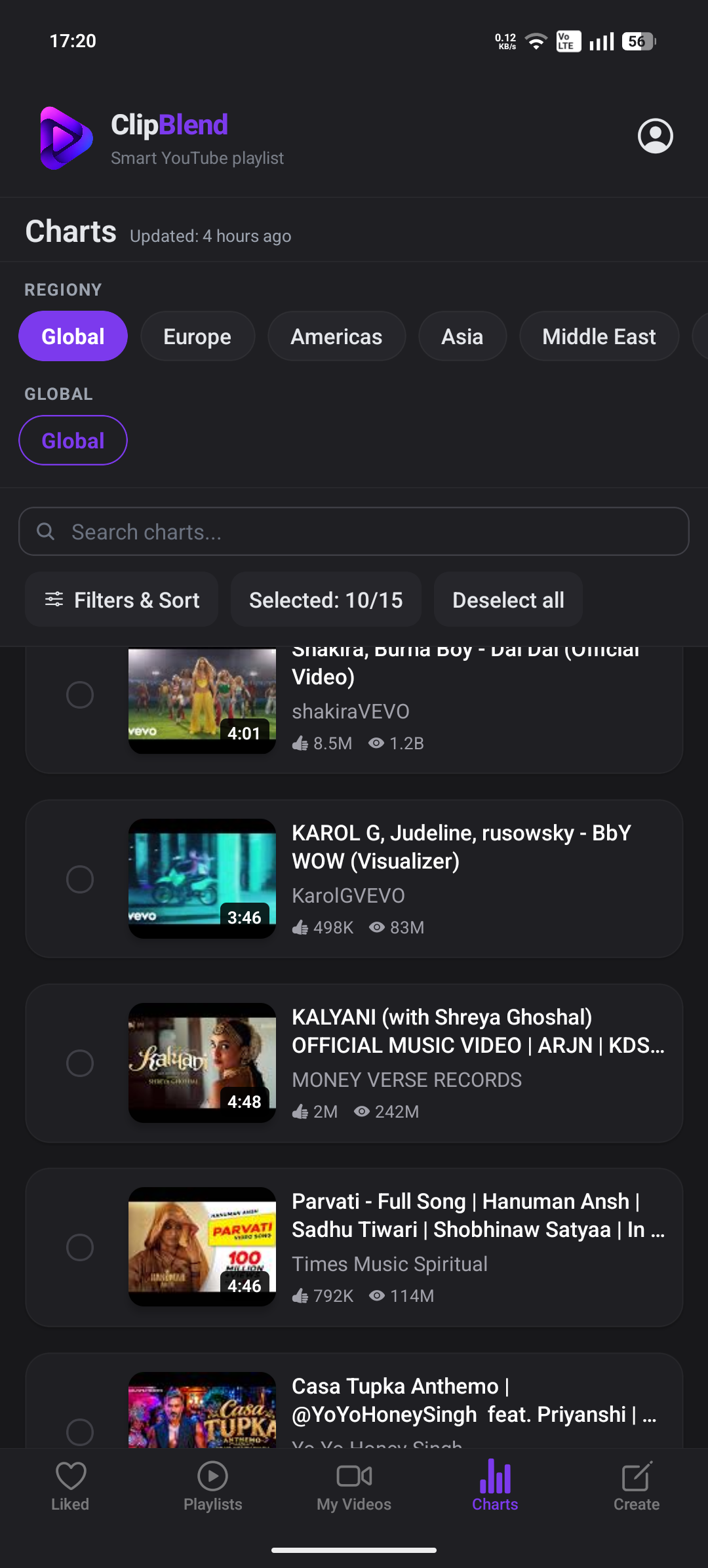
Why use ClipBlend?
- Search, filter, and sort across your available collections.
- Select videos from liked videos, playlists, and your own uploads.
- Create a temporary playlist without adding videos one by one.
- Play your selection in the YouTube app.
- Keep your regular YouTube playlists unchanged.
ClipBlend is currently available for Android only. It does not create, edit, or delete playlists in your YouTube account.
Which method should you choose?
| Method | Best for | Main limitation |
|---|---|---|
| YouTube queue | A few videos for immediate playback | Not designed as a reusable collection |
| Private YouTube playlist | A selection you need for a few days | Manual setup and cleanup |
| ClipBlend | Selecting videos from larger collections | Currently Android only |
If you already know which videos you want, the queue may be enough. If you need a regular playlist temporarily, create a private one. If you want to search, filter, sort, and select from a larger collection, ClipBlend offers a more focused workflow.
Frequently asked questions
Does YouTube delete playlists automatically?
No. Playlists stay in your account until you delete them. If you create a private playlist for temporary use, remember to remove it when you're done.
Can I create a playlist without saving it to my YouTube library?
Yes. Use the playback queue to line up videos without creating a regular playlist.
Is a temporary playlist the same as Watch Later?
No. Watch Later is for videos you want to return to later. A temporary playlist is a selection for a particular activity or viewing session.
Can I create a temporary playlist from my liked videos?
You can manually add liked videos to a regular YouTube playlist. With ClipBlend, you can browse your collections, search, filter, sort, select videos, and create a temporary playlist.
Can I use ClipBlend on a computer?
ClipBlend is currently available for Android only. On a computer, use YouTube's queue or a private playlist.
Final thoughts
A temporary YouTube playlist helps you watch what you need without cluttering your library. Use the queue for a quick session, a private playlist for a few days, or ClipBlend when you want to select from a larger collection.
You may also like: