Have you ever liked a YouTube video and struggled to find it again? YouTube saves liked videos in a dedicated playlist. To find them, open YouTube, go to You or the left navigation menu, and select Liked videos.
Here's how to find your playlist on a computer or phone and locate a specific video when your collection gets large.
How to find your liked videos on YouTube
On a computer
- Open YouTube and sign in.
- Open the navigation menu on the left side of the screen.
- Select Liked videos.
- Browse the videos you've liked.
If you don't see the playlist immediately, expand the navigation menu.
On Android or iPhone
- Open the YouTube app and sign in.
- Tap your profile picture or open the You section.
- Find Playlists.
- Tap Liked videos.
The exact menu layout may differ slightly by app version.
How to find a specific video in your liked videos
If you've liked hundreds of videos, finding one particular item can take time.
- Browse your Liked videos playlist. Scroll through the list and look for a familiar title or thumbnail. This works best if your collection is relatively small.
- Check your watch history. On a computer, select History in the left navigation menu. In the mobile app, open the You section and look for History. This can help if you watched the video recently and the relevant activity is still available.
In the Liked videos playlist, YouTube only lets you filter by content type: All, Videos, or Shorts. There is no search field or option to sort by date, channel, or duration.
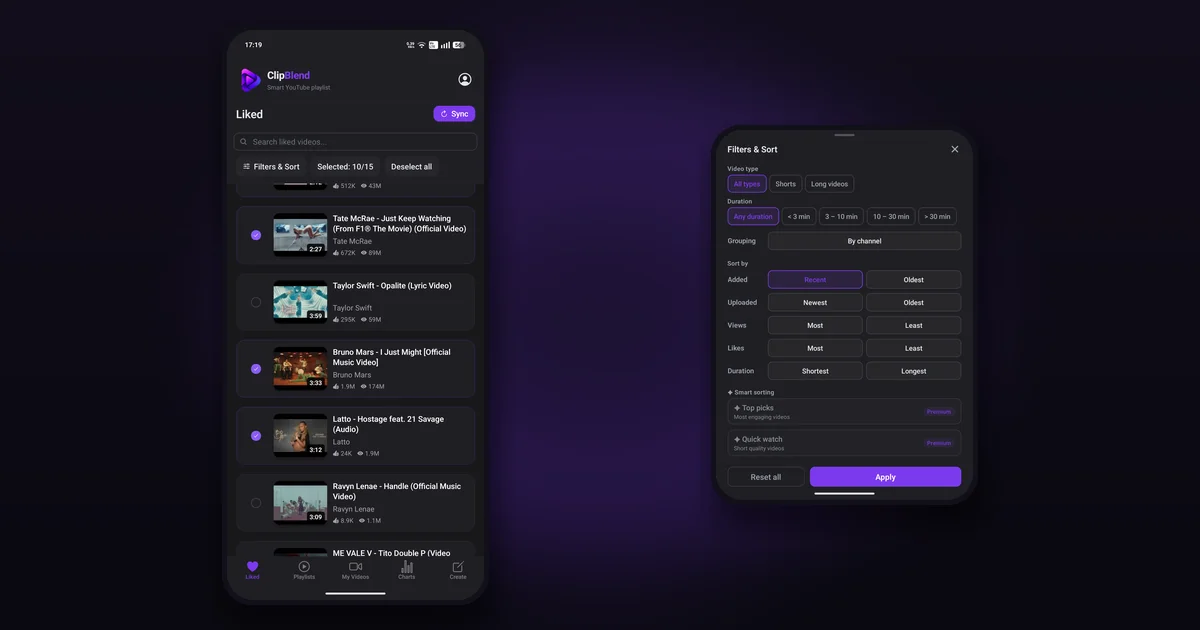
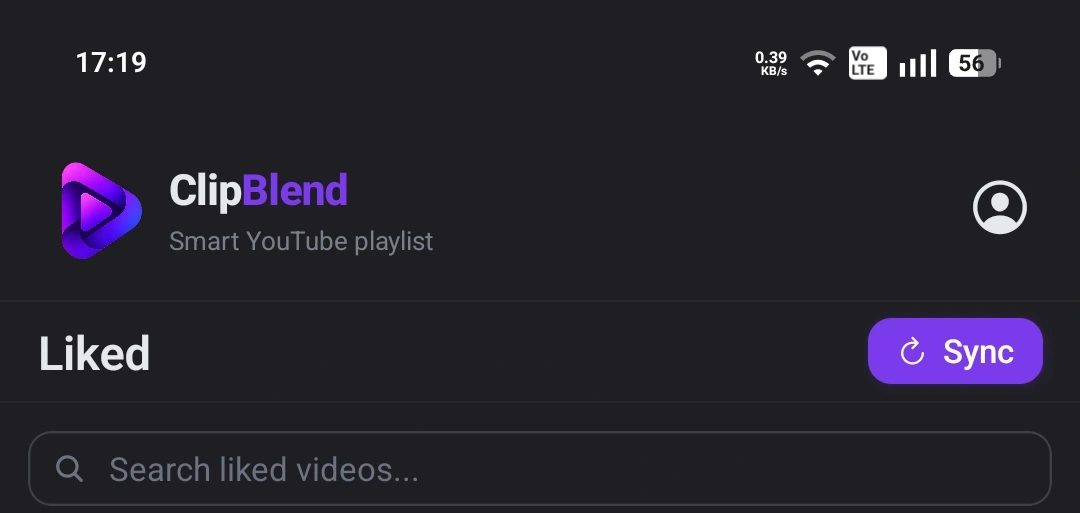
ClipBlend offers a more convenient way to find specific videos. Its search feature lets you search your video library by video title or channel name, while filters and sorting options help you narrow down the results.
How to organize a large collection of liked videos
If your Liked videos playlist contains music, tutorials, travel guides, and other content, you may want to separate videos by topic or select only a few for your next viewing session.
You can create regular playlists to keep related videos together. Read our guide to creating a playlist on YouTube.
If you only need a selection for one activity, see What Is a Temporary YouTube Playlist? How to Create One.
Find and organize your liked videos with ClipBlend
ClipBlend is an Android app that helps you browse and organize your YouTube video library.
With ClipBlend, you can:
- Search by video title or channel name to find specific videos in your library.
- Filter videos to narrow down your collection.
- Sort videos by date, popularity, or duration.
- Group videos by channel to browse content from the same creator.
- Select videos from liked videos, playlists, and your own uploads.
- Create a temporary playlist and play your selection in the YouTube app.
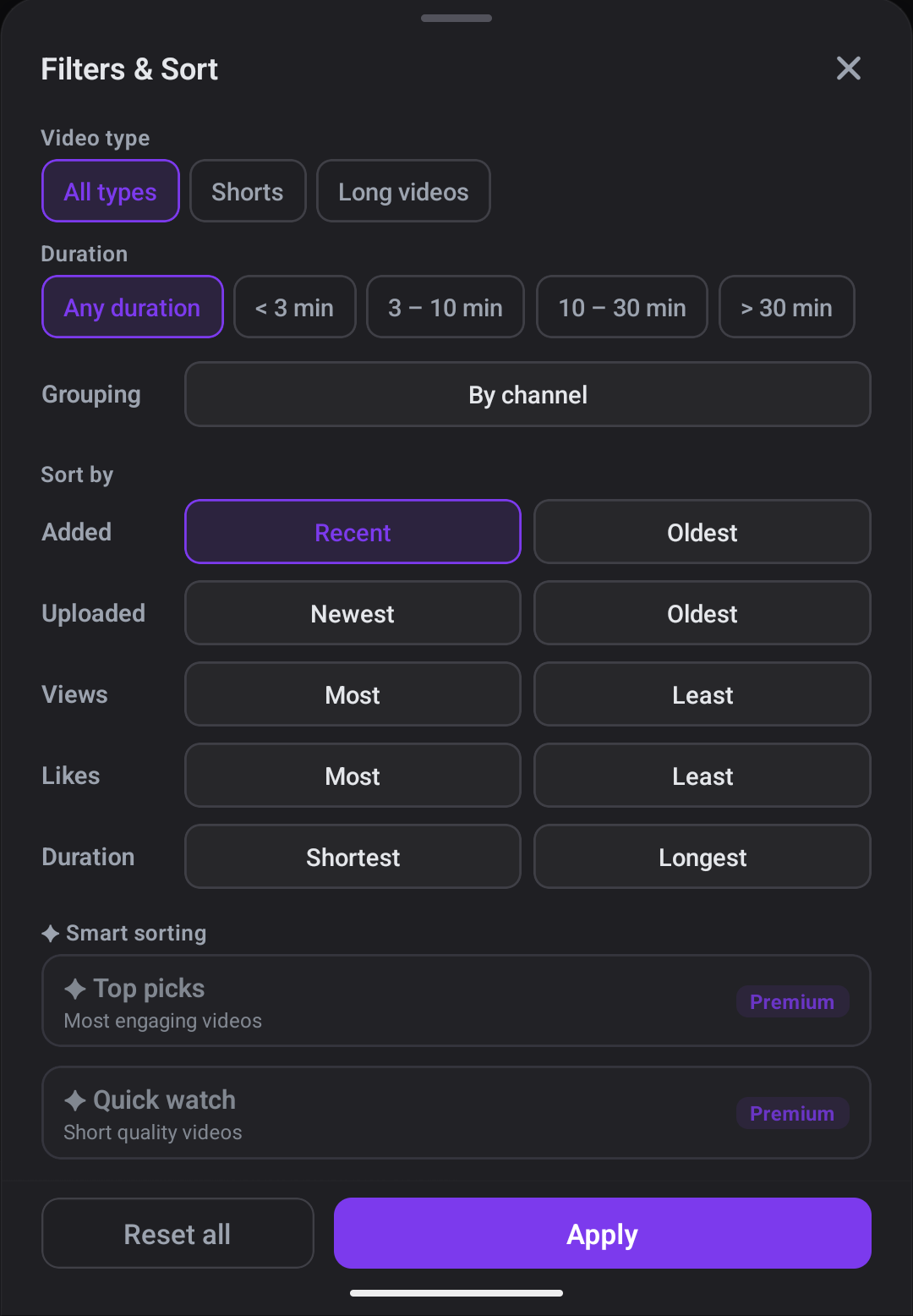
Instead of manually scrolling through a long collection, you can search for a title or channel and use the available filters and sorting options to find videos more efficiently.
ClipBlend is available for Android only. It does not create, edit, or delete permanent playlists in your YouTube account.
Frequently asked questions
Can I see all the videos I've liked on YouTube?
Yes. YouTube saves liked videos in the Liked videos playlist associated with your account. Open YouTube, sign in, and find the playlist in the navigation menu or under Playlists.
How do I find an old video I liked on YouTube?
Browse your Liked videos playlist or check your watch history if you watched the video recently. If your collection is large, ClipBlend lets you search your video library by title or channel name on Android.
Can I search my liked videos by title or channel?
YouTube's Liked videos playlist does not include a search field. ClipBlend lets you search your video library by video title or channel name on Android.
Can I sort or filter my YouTube Liked videos?
YouTube lets you filter the playlist by All, Videos, or Shorts. ClipBlend offers additional filtering and sorting options, including sorting by date, popularity, or duration, and grouping videos by channel.
Can I create a playlist from my liked videos?
Yes. You can add videos to a regular YouTube playlist individually. ClipBlend provides another way to select videos from a larger collection and create a temporary playlist on Android.
Is ClipBlend available on iPhone?
No. ClipBlend is currently available for Android only.
Final thoughts
YouTube's Liked videos playlist is useful for saving videos, but its limited filtering options can make a large collection difficult to navigate. ClipBlend lets Android users search by video title or channel name, filter and sort their library, and create temporary playlists for their next viewing session.
You may also like: